Documentation
Use the CT Tracker in BumpOn Deployer
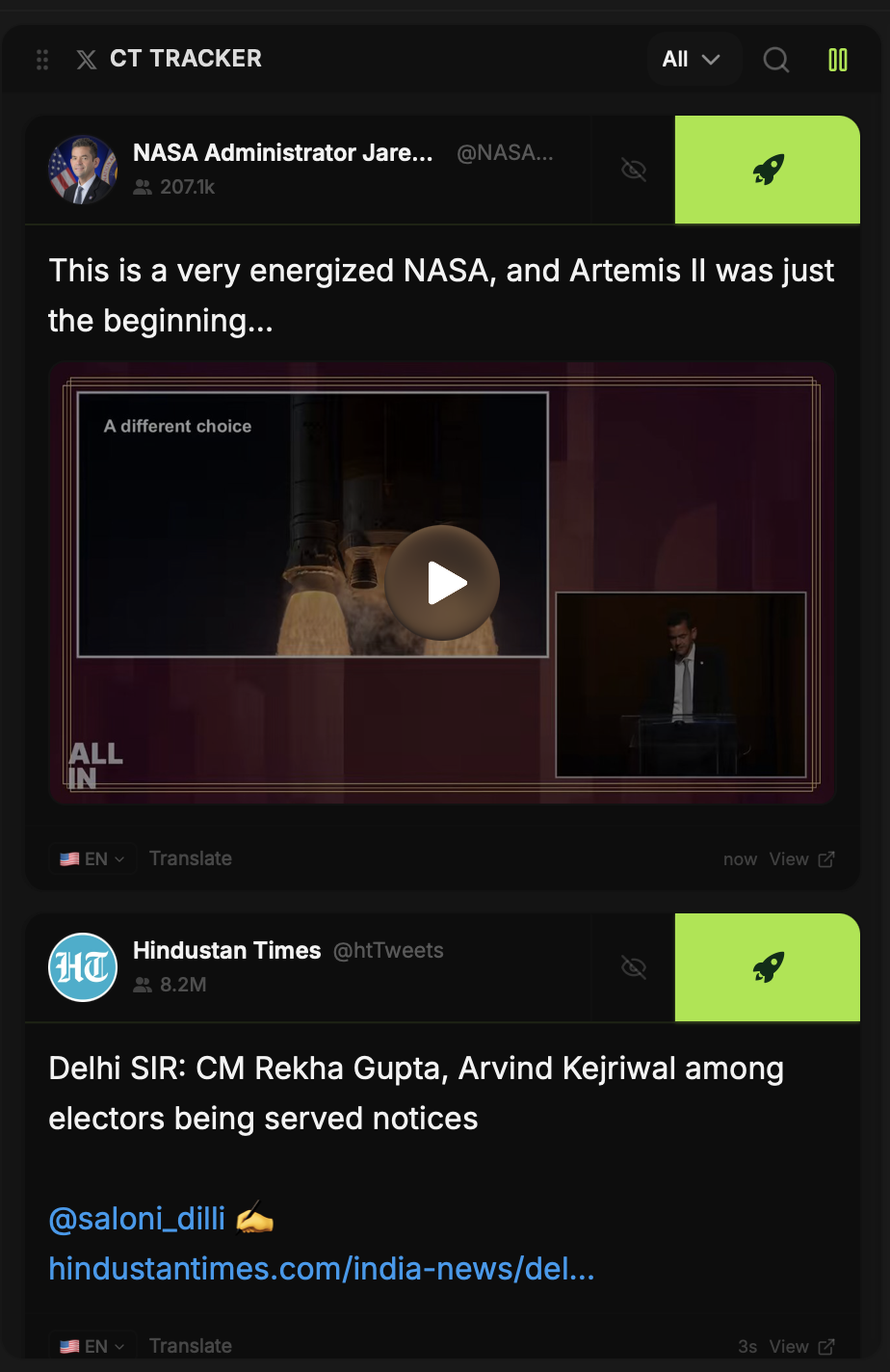
The CT Tracker keeps the feed beside the token form. You can follow a narrative, open a post, and start a coin draft without copying its text between tabs.
Updated
Find a post
Use the feed filters and search control to narrow what you see. Posts can include text, images or video. The tracker is for spotting ideas; a post is not permission to use someone else's name, artwork or identity for a token.
Send it to Create Coin
Click Deploy on the post you want to work from. BumpOn fills the coin draft with available post details and image choices. Nothing launches at this step. Check the draft, change the name and ticker, and choose an image you have the right to use.
Make the draft your own
The image in the post is one option. Create Coin also lets you upload a file, search for an image on the web, make ASCII art, or edit an image inside BumpOn. Open the image you plan to use and inspect the final crop before deploying.