Documentation
Deploy a Pump.fun token from BumpOn
A launch can begin in several places. You might click Deploy on a CT Tracker post, enter a coin in Create Coin, or use Vamp to bring in existing metadata. All three lead to a draft you can edit before launch.
Updated
Finish the coin draft
Check the name, ticker, description, image and social links. Open the image preview and make sure the source image is the one you intend to publish. Choose SOL or USDC under Pair with. Pump.fun may restrict changes to coin details after creation, so read the final fields before you submit.
Set buys and other options
Choose the dev wallet and an initial buy if you want one. Bundle Buys, Snipe, Multi Deploy and Farm Snipers have their own wallet or timing settings. Fee Sharing and Holder Rewards affect creator fees. A basic launch needs none of these extra switches.
Deploy, then check Deploys
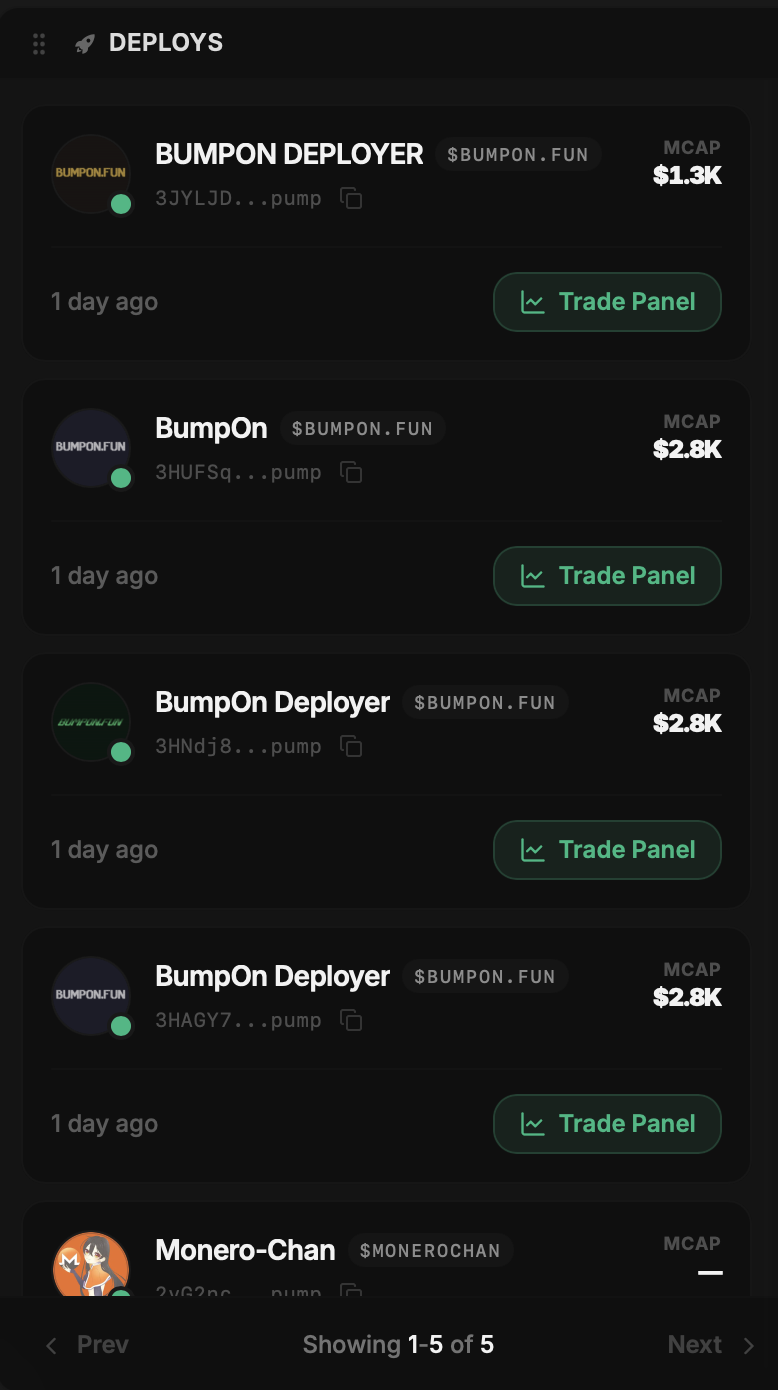
Press Deploy once the quote, selected wallets and token details match your plan. Watch the launch status instead of immediately submitting a second time if confirmation is slow. The Deploys panel lists tokens created from the workspace and opens their Trade Panel.