Documentation
Create, import and select Deployer wallets
Your Deployer starts with no wallets in its wallet list. Create a new wallet or import one you already use, then choose which wallet will act as the dev wallet and which others may buy or sell.
Updated
Build your wallet list
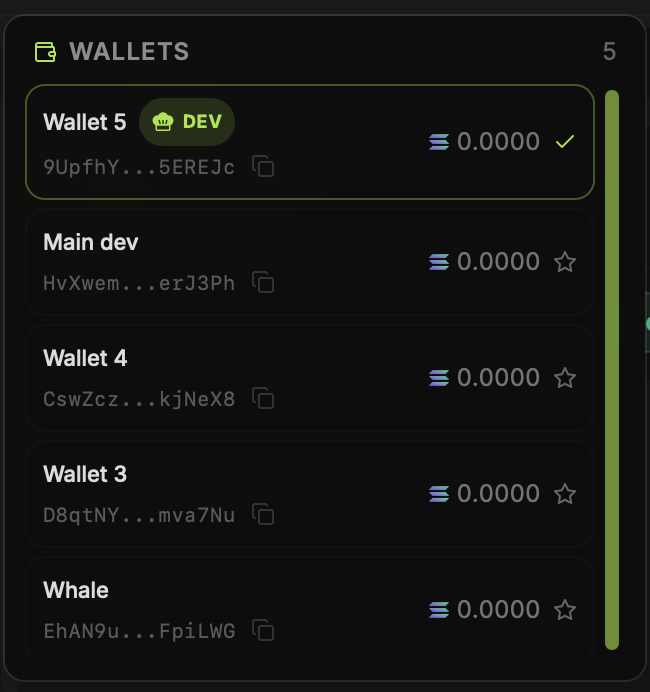
Open Wallets to create a wallet or import an existing one. The wallet selector shows names, shortened addresses and SOL balances. Select the wallet you want active before opening Create Coin or the Trade Panel. A star marks the dev wallet in the selector.
Use a wallet outside BumpOn
A wallet created in BumpOn is a Solana wallet. Open its private-key view in the wallet controls, copy the key in private, and import it into a compatible app such as Phantom or Solflare. The imported wallet has the same address and funds; you have not moved the SOL by importing the key. To move funds to a different address, send a transfer from that wallet.
Treat a private key like the wallet itself
Anyone with the private key can control that wallet. Do not paste it into support chats, screenshots or web forms. If you imported a wallet into BumpOn, the same key still controls it in the other app.